comark-zoom
Guides
Groups, events, and captions beside the zoom.
Groups
Items in one group page through a single zoomed view with a strip of them at the bottom. Arrow keys and the strip move between them. Items that are hidden when the view opens, such as those in a closed tab, are left out.
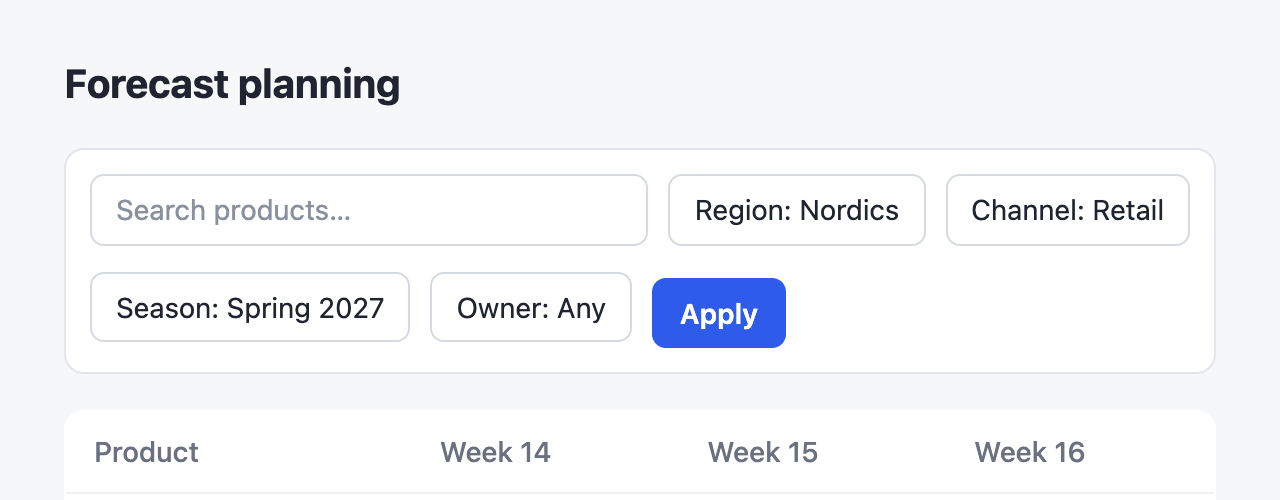
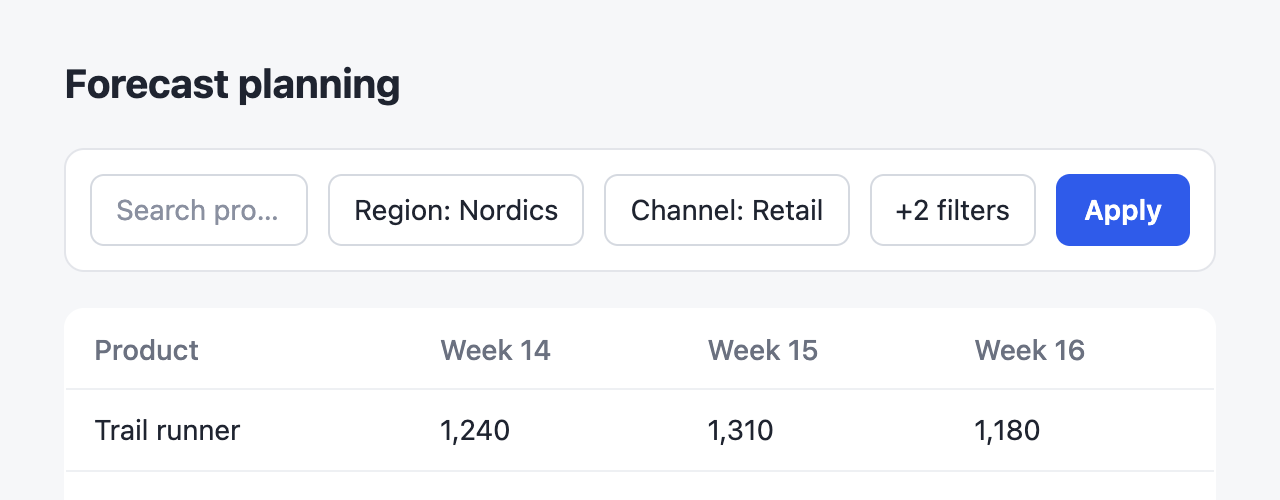
::zoom{group="tour" title="Before"}

::
::zoom{group="tour" title="After"}

::Events
The zoomed view fires comark-zoom:open, comark-zoom:change, and comark-zoom:close on the item. open and change carry the dialog's header and footer, and a layer over the zoomed content, sized to it, where a host can draw its own pins or controls. copyOf(element) finds the copy of a page element in the zoomed view, and originalOf(element) goes back, so a pin can follow what it points at. Both return null for anything the zoom doesn't show.
document.addEventListener("comark-zoom:open", (event) => {
  const pin = document.createElement("button");
  pin.textContent = "1";
  pin.style.cssText = "position:absolute;left:40%;top:20%";
  event.detail.layer.append(pin);
});Captions beside the zoom
data-zoom-aside names an element, by selector, that the zoomed view shows beside the item at its own size, so a caption stays readable however far the item zooms. It's the first match that neither holds the item nor sits in it, in its innermost data-zoom-context or else its parent. On a narrow screen it sits below. comark-annotate uses it for a screenshot's notes.
<figure>
  <img data-zoom data-zoom-aside="figcaption" src="pigeons.png" alt="Pigeons on the roof by week">
  <figcaption>Pigeons dip in week 3, when the falcon visited.</figcaption>
</figure>