comark-zoom
Click an image or any block to zoom it out of its place. Escape, Back, or a click around it closes it.
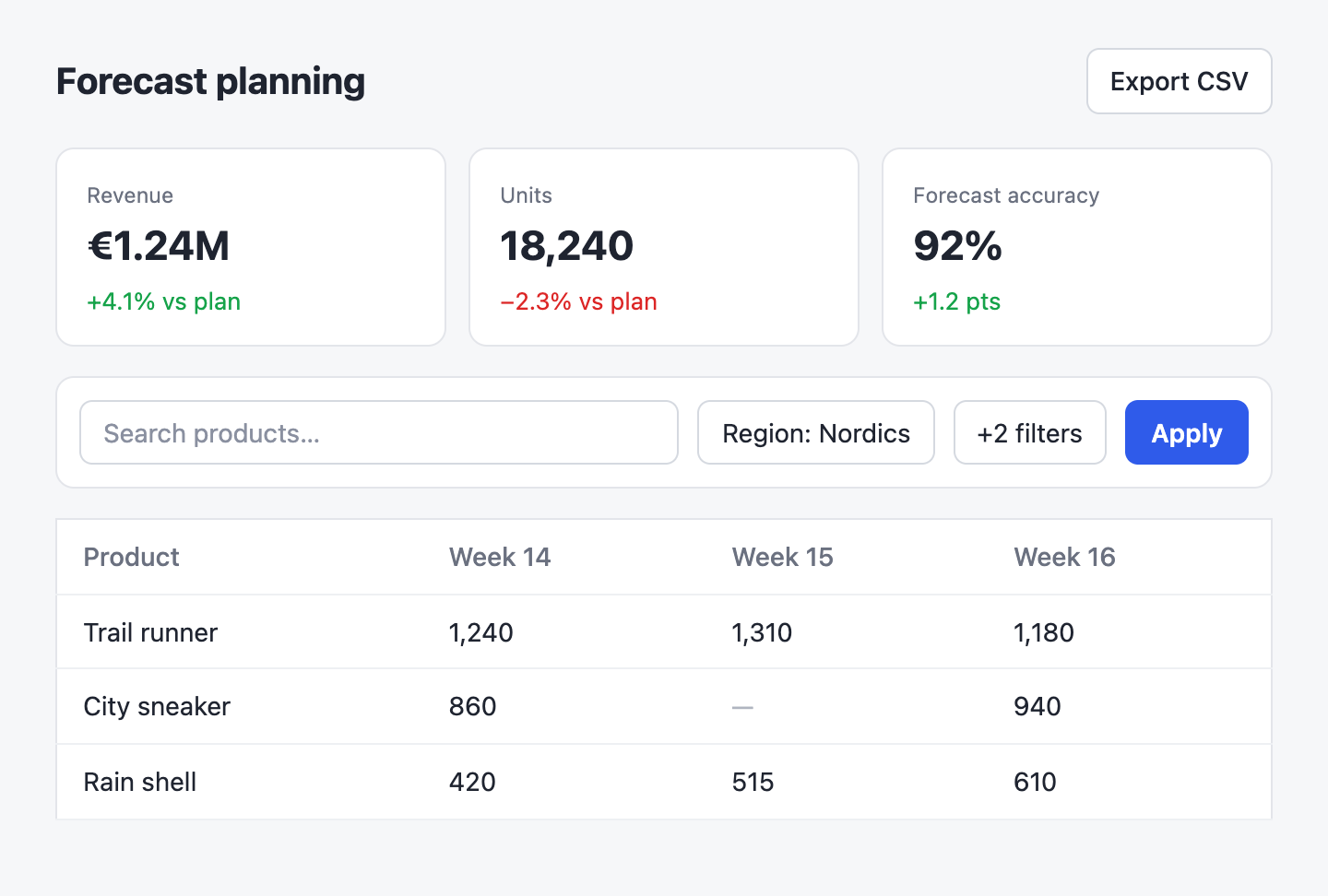
| Attempt | Wait |
|---|---|
| 1 | 1 s |
| 2 | 4 s |
| 3 | 16 s |
::zoom{title="Retry policy"}
| Attempt | Wait |
| --- | --- |
| 1 | 1 s |
| 2 | 4 s |
| 3 | 16 s |
::
::zoom{group="tour" title="Before"}

::
::zoom{group="tour" title="After"}

::Click an item to zoom it; Escape, Back, or a click around it closes it. Enter or Space opens a focused item, and focus returns to it when the view closes.
Usage
Register the plugin and pass the renderer's components:
import { createHtmlRenderer } from "@comark/html";
import zoom, { components } from "comark-zoom/html";

const render = createHtmlRenderer({ plugins: [zoom()], components });
zoom({ images: false }) leaves images alone, so only ::zoom blocks zoom.
Components
Images
Content images zoom on their own, except images inside links, which keep their link. The zoomed view shows the image's alt text as its title. Give an image a data-zoom-src to load a larger file when it opens.
zoom
Zooms any block: a table, a code block, a diagram, or several of them together.
| Attempt | Wait |
|---|---|
| 1 | 1 s |
| 2 | 4 s |
| 3 | 16 s |
::zoom{title="Retry policy"}
| Attempt | Wait |
| --- | --- |
| 1 | 1 s |
| 2 | 4 s |
| 3 | 16 s |
::| Prop | |
|---|---|
title |
Heading of the zoomed view. |
group |
Items with the same group page through one zoomed view. |
Guides
Groups
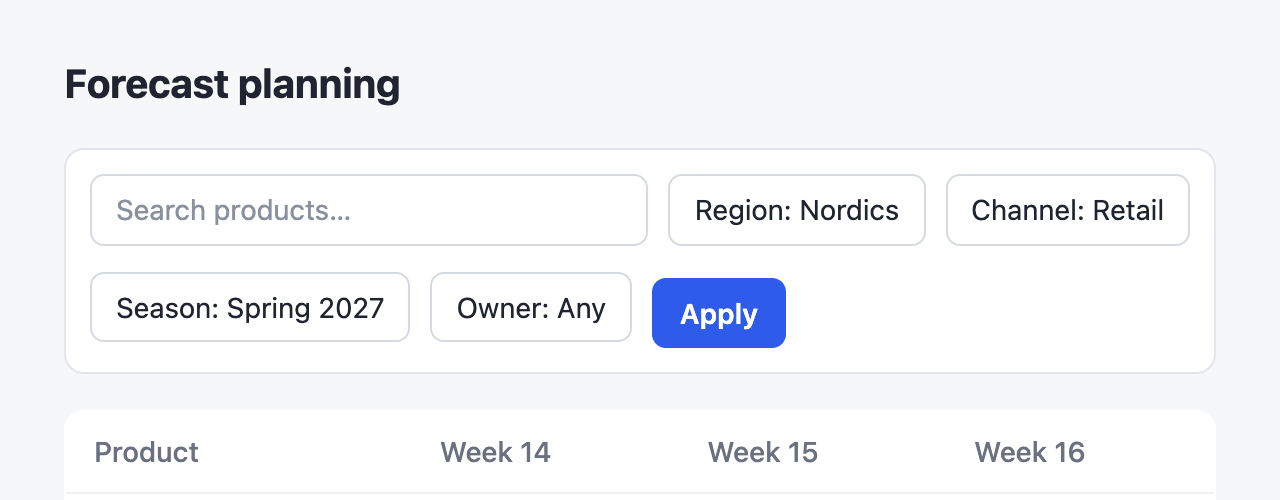
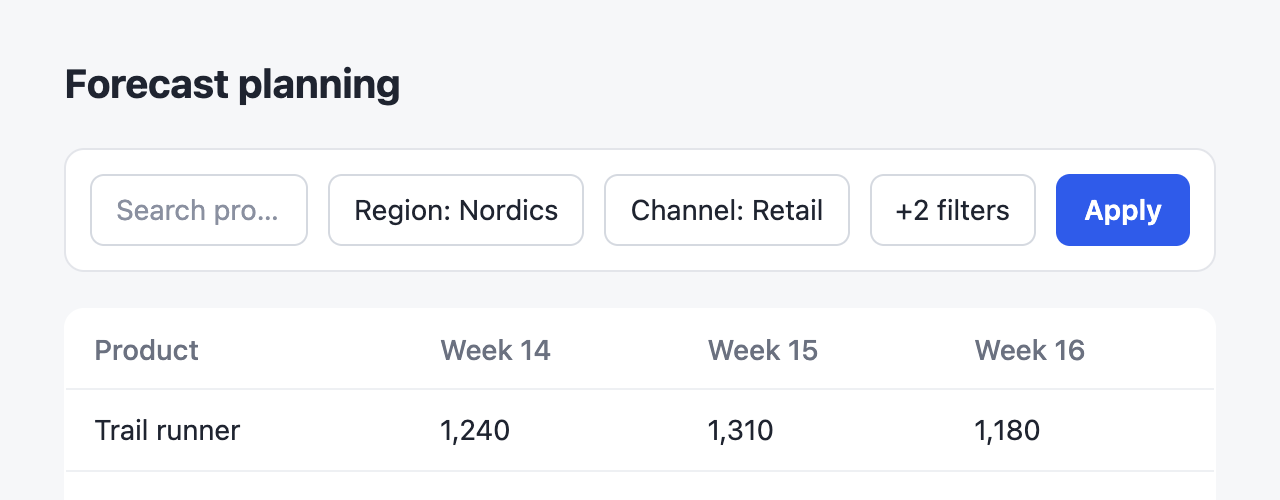
Items in one group page through a single zoomed view with a strip of them at the bottom. Arrow keys and the strip move between them.
::zoom{group="tour" title="Before"}

::
::zoom{group="tour" title="After"}

::Renderers
The same markup comes out of every renderer. Import the components from the entry for yours:
| Renderer | Import |
|---|---|
@comark/html |
comark-zoom/html inlines the styles and script once per document |
@comark/vue |
comark-zoom/vue |
@comark/react |
comark-zoom/react |
@comark/svelte |
comark-zoom/svelte |
The Vue, React, and Svelte components start the script when they mount and stop it when the last one unmounts. Import comark-zoom/style.css with your styles so a server-rendered page doesn't shift when the script starts.
Events
The zoomed view fires comark-zoom:open, comark-zoom:change, and comark-zoom:close on the item. open and change carry the dialog's header and footer, and a layer over the zoomed content, sized to it, where a host can draw its own pins or controls.
document.addEventListener("comark-zoom:open", (event) => {
  const pin = document.createElement("button");
  pin.textContent = "1";
  pin.style.cssText = "position:absolute;left:40%;top:20%";
  event.detail.layer.append(pin);
});
Theming
Theme the zoomed view with --cz-backdrop, --cz-ink, --cz-muted, --cz-line, and --cz-active. An item that needs styles from an ancestor names it with data-zoom-context, and the zoomed copy goes inside an empty copy of that ancestor.
Credits
Comark, by the Comark team, parses the Markdown and renders it. The zoom behaves like medium-zoom.